Budget period
Payday Month: your month starts when the money arrives
Author: Davyd Dikenshtein Reviewed on
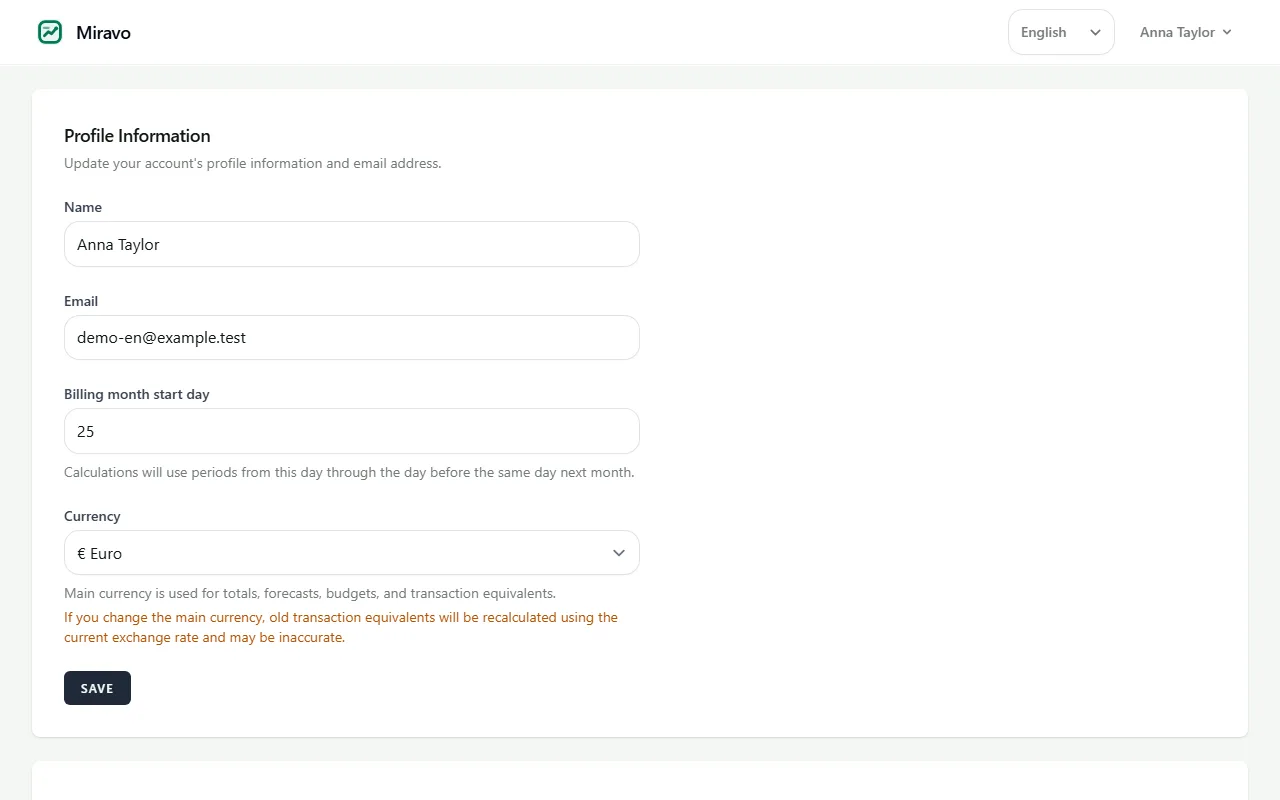
A payday month is a budget period that begins on the day income actually arrives instead of the first of the calendar month. Choosing the 25th, for example, produces periods running from the 25th to the 24th, and the forecast, limits, budgets and statistics are all rebuilt around that window.
Example with numbers
Paid on the 25th, period starting on the 25th. Every bill until the 24th of the next month is paid from this one salary.
| Salary on the 25th | €2,600 |
|---|---|
| Rent on the 1st | −€980 |
| Electricity and internet on the 5th | −€95 |
| Loan instalment on the 15th | −€180 |
| Phone contract on the 20th | −€25 |
| Left in the period from the 25th to the 24th | €1,320 |
Example values. In a calendar-month budget the salary on the 25th would land in one month and the rent on the 1st in the next, so neither month would show what this salary really has to cover.
The calendar month describes almost nobody
Salaries arrive on the 25th, the 28th, the last working day, or every two weeks. When the budget still runs from the 1st, a single pay cycle is cut across two budgets. The first looks rich because the salary has just landed, and the second looks poor because it inherited the rent without the income.
Neither picture is true, and the distortion is largest exactly when it matters most: in the last week before payday, when a calendar-month budget still shows room that the real cycle does not have.
How it works
-
Step 1
Pick the day you are paid
Any day from 1 to 31. The period then runs from that day to the day before it in the following month.
-
Step 2
Short months are handled
If you choose the 31st, February uses the last day of the month instead. Periods never overlap and never leave a gap, which is where naive implementations break.
-
Step 3
Everything rebuilds around it
Forecast, safe daily limit, category budgets, savings and statistics are all recalculated against the new window automatically.
What most budgeting apps do instead
The majority of budgeting tools are fixed to the calendar month, and those that allow a custom start often apply it only to reports rather than to the budget arithmetic itself. The result is a period label that changes while the underlying numbers do not.
This is a small feature to describe and a large one to live with: it is the difference between a budget that matches your bank statement and one you mentally correct every time you look at it.
Frequently asked questions
What if I am paid every two weeks?
Choose the day of the month closest to your usual pay date. The forecast counts income you enter, so a second payment inside the period is simply added to the projection.
What happens to my history when I change the start day?
Existing transactions keep their dates. Only the grouping into periods changes, so past statistics are re-cut rather than lost.
Can I use the 31st?
Yes. In months with fewer days the period starts on the last day of that month instead, so no period is skipped or doubled.
Related terms
Try it with your own numbers
Free to start, no credit card, and no bank connection required.
Last reviewed: October 19, 2026